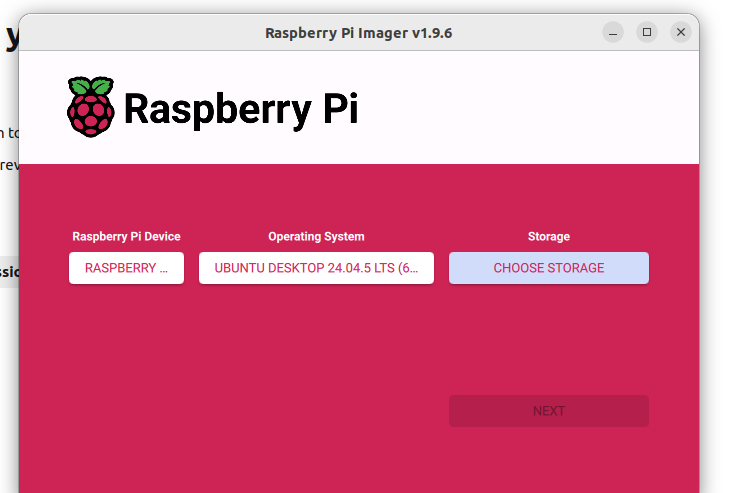
How to Install Ubuntu in Raspberry PI
First you need to download Raspberry Pi Imager, for this purpose you need to execute:
sudo snap install rpi-imager
You can select the model of raspberry pi, in this case Raspberry Pi 5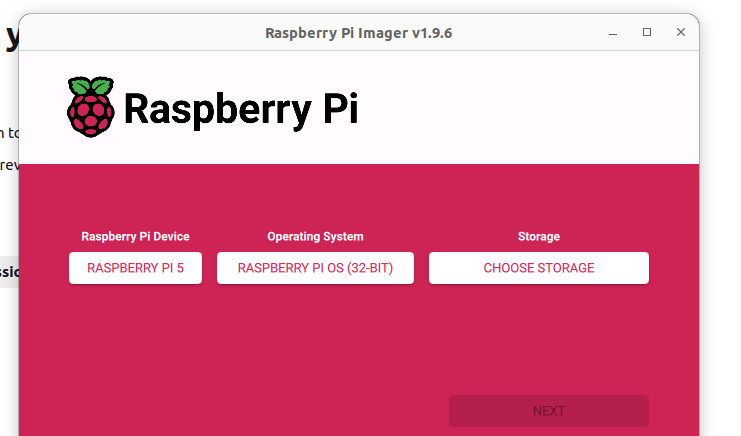
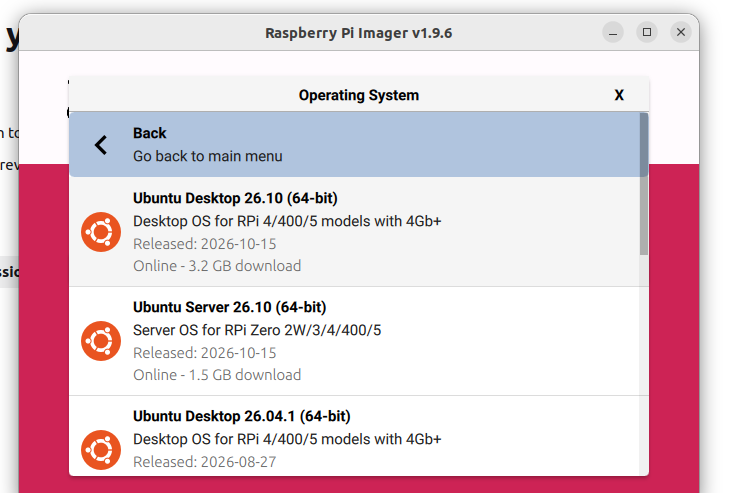
After you need to define the OS, in this case Ubuntu:
To finalize the procedure, you need to connect an SDCard (you need an Mini SDCard reader.
And this will appear in the menu of Storage.