
How to Install Ubuntu in Raspberry PI
First you need to download:
Raspberry Pi Imager
Yu can select the model of raspberry pi, in this case Raspberry Pi 5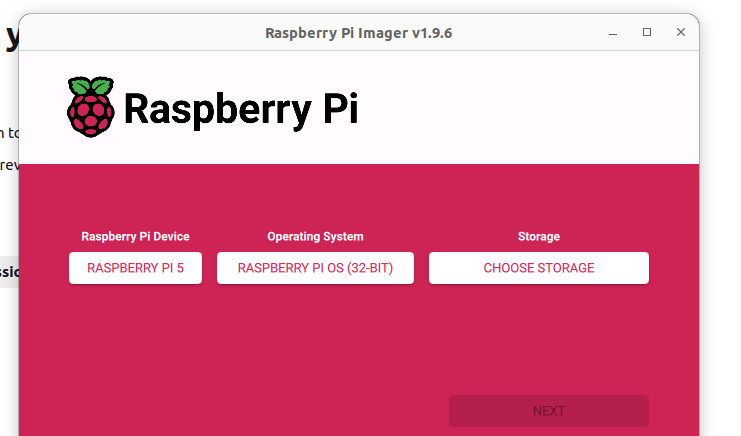
After you need to define the OS
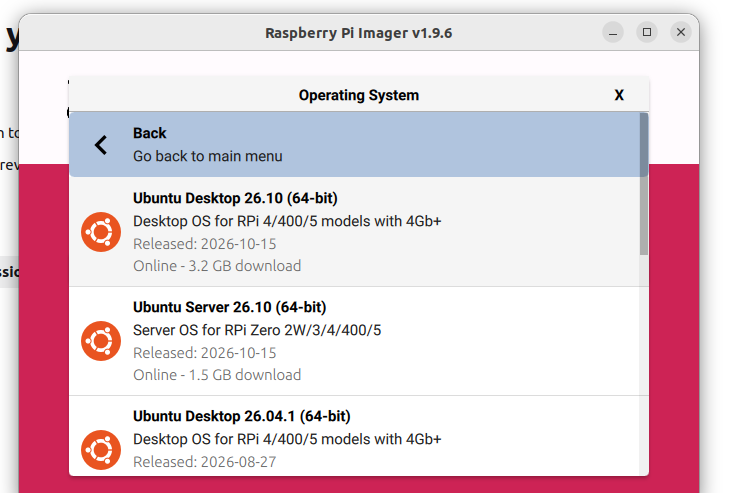
To finalize the procedure, you need to connect an SDCard (you need an Mini SDCard reader.
And this will appear in the menu of Storage.